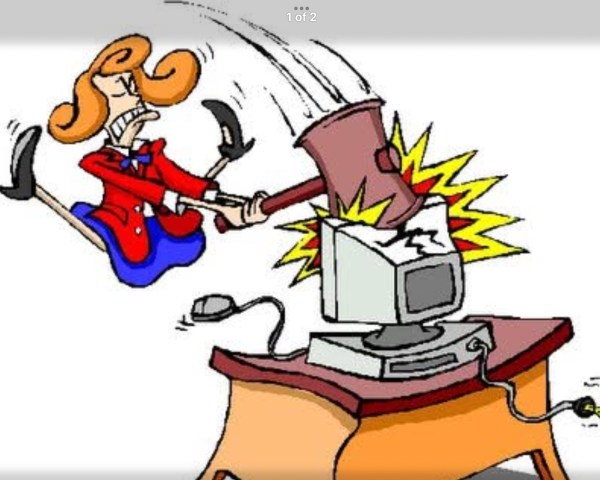
My degree was in Computing Science and I worked in IT for 30 years, doing everything from coding to testing to project management; ending up managing hundreds of people supporting IT for major banks. While these last jobs were most;y about bureaucracy and a little leadership, I always retained an interest in technology. But this week, when my brother in law, Steve, asked me to fix his laptop I completely failed.
There are three reasons I can give why I failed.
Firstly, the way computers are built is different than I remember. Back in the 1990s I would maintain my own PC, installing a new hard drive (very hard), updating the firmware (very scary), updating operating system configuration files (very risky). These days everything has been made easier and safer but it is different than I know.
Secondly, I am older and less patient. Back in the day, when things went wrong I would see it as a fascinating challenge. This week I resented spending my time making things worse instead of better. I also hated how slow my progress was. That would have been normal thirty years ago but I have got used to fast processors with plenty of memory and fast internet.
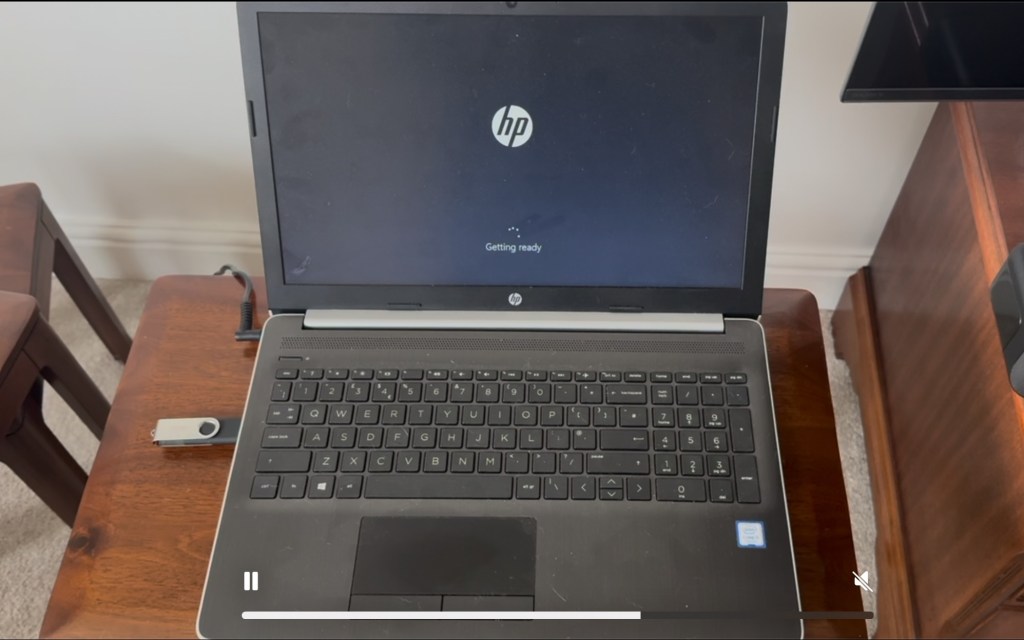
Thirdly, Steve’s laptop was a pile of poo. It was running impossibly slowly. So I cleaned up the hard drive which did not help. I emptied the list of startup programs which did not help. I tried to update Windows which took hours, got hung, and did not help. I tried to reset the Windows installation, which lasted overnight, eventually failed and did not help. I even tried creating a clean Windows installation on a USB stick from my own PC, booting the laptop from that and building a “bare metal” installation. This appeared to succeed but ultimately built a laptop that was just as slow and unusable.
So here’s where my 30 years IT experience came in useful. Sometimes at work you had to know when it was time to stop banging your head against the wall, and throw the problem away. So I encouraged Steve to buy a new budget laptop. Two hours later I had got it set up, updated Windows, the BIOS and all the apps, installed Zoom, Teams, Antivirus and some Office software and it was ready to go.
I even found out things such as how to disable the new S Mode which stops you installing non-Microsoft apps. I may be getting out of date since I retired, and I may be a grumpy old man, but it is good to know that I still enjoy learning.
What I still don’t know is what was wrong with Steve’s old laptop? Any ideas?


 Pete's Blog